

ComputerStore.joburg journal
Understand Wi-Fi 7 before paying extra for it on a laptop
Newer laptops increasingly list Wi-Fi 7 on the specification sheet, sometimes as a reason for a higher price. It is a genuine step forward, but the benefits depend on more than the laptop. Before you pay for it, it helps to know what has changed, and whether your home or office network can make use of it.
By ComputerStore.joburg editorial · · 2 min read
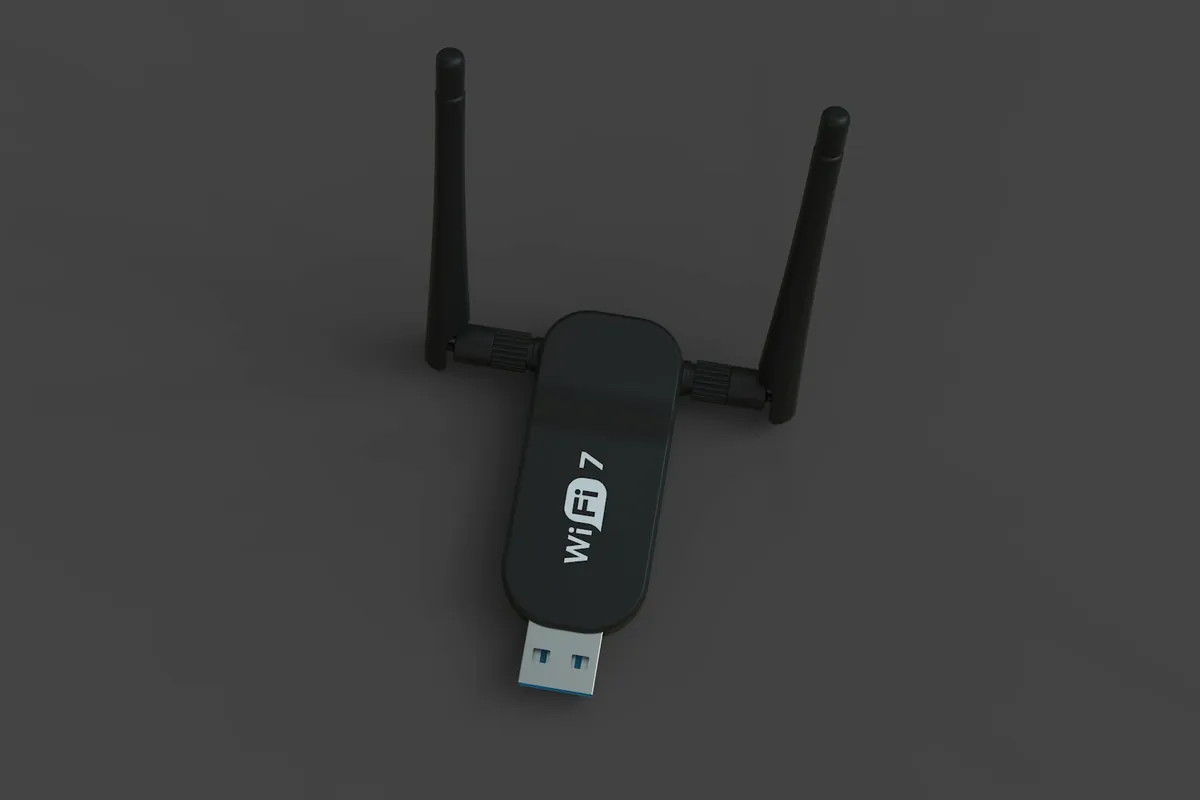
What the numbers mean
Wi-Fi 7 is the seventh generation of Wi-Fi, defined by the IEEE as 802.11be. Wi-Fi 6 arrived in 2019 and Wi-Fi 6E, which added the 6 GHz band, in 2020. Wi-Fi 7 uses the same three bands as Wi-Fi 6E: 2.4 GHz, 5 GHz and 6 GHz.
What Wi-Fi 7 adds
In the 6 GHz band, the maximum channel width doubles from 160 MHz to 320 MHz, so more data can move at once. Multi-Link Operation lets a device connect on two bands at the same time, which can improve speed, reliability and latency.
Those headline speeds are measured in good conditions. Walls, distance and other networks all reduce what you see at your desk.
Both ends must support it
Wi-Fi 7 is backward compatible. An older laptop works with a Wi-Fi 7 router, and a Wi-Fi 7 laptop works with an older router. You only get Wi-Fi 7's benefits, though, when both the router and the device support it.
Your internet connection still sets a ceiling. If the line into your home or office is slower than your current Wi-Fi, faster Wi-Fi mostly helps with transfers inside the network rather than downloads from the internet.
- Which Wi-Fi generation does your current router support?
- Does it offer the 6 GHz band?
- Is your internet line faster than your current Wi-Fi?
- Do you move large files between devices on the same network?
- Is the Wi-Fi 7 card standard on the exact configuration offered?
A sensible way to decide
If you plan to keep the laptop for years and upgrade the router at some point, Wi-Fi 7 can be worth having. If the price difference is large and your router is older, a well-specified laptop with Wi-Fi 6 or 6E may serve you just as well for now. Confirm the exact wireless card in the configuration you are offered; a family name alone does not guarantee it.