

ComputerStore.joburg journal
Read USB-C port and cable labels before you buy
Two laptops can both have USB-C ports and still behave very differently when you plug in a monitor, a fast drive or a charger. The same goes for cables that look identical. USB-C is the shape of the connector; the capabilities behind it vary. Reading the labels and specification sheet before you buy saves a frustrating return trip.
By ComputerStore.joburg editorial · · 2 min read
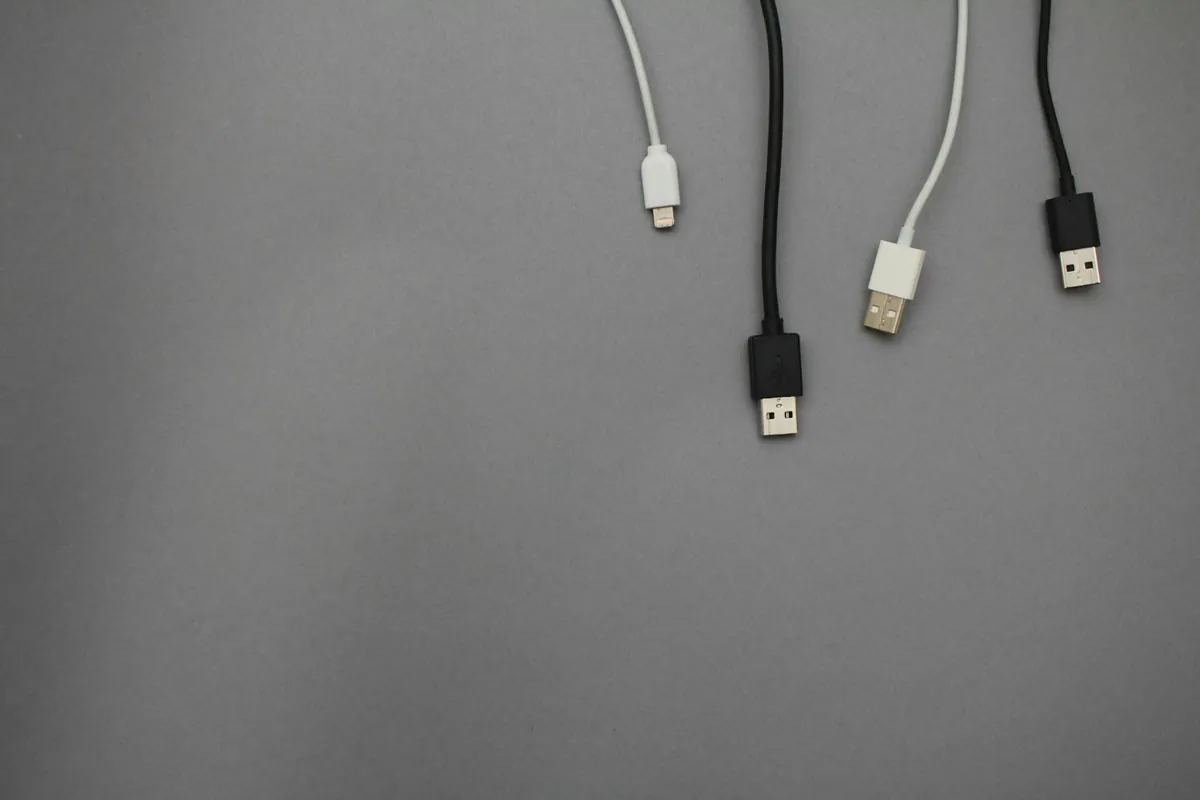
Connector versus capability
USB-C is a reversible connector designed to carry data, charging, video and audio through one plug. Not every port or cable supports all of those things, or at the same level. An unlabelled USB-C port on a laptop could be a 10 Gbps port, a USB4 port or a Thunderbolt port.
So the question is never only 'does it have USB-C?' but 'what does this particular port support?'
Read the labels that do exist
Certified USB products can carry logos that show maximum data speed, such as 5, 10, 20, 40 or 80 Gbps. Certified chargers are labelled with the highest power each USB-C port can supply, which matters on multi-port chargers that share power between ports. Newer certified cables carry logos showing both data speed and power capability.
Thunderbolt ports are marked differently and are not identified by a speed number on the port itself.
Match power, not just plugs
Laptops and tablets commonly draw between 100 W and 240 W through USB-C, while phones use much less. A cable must be rated for the power it will carry; under-rated cables can overheat. If you plan to charge a laptop through a hub or dock, check that the hub passes through enough power for your machine.
- Which ports on this exact model support charging?
- Which support video output, and at what resolution?
- What data speed is each port rated for?
- What wattage does the charger supply per port?
- Is the cable rated for that wattage and data speed?
Ask for the specification sheet
Port capabilities are often listed only in the manufacturer's detailed specifications for a specific configuration. Ask the seller for that sheet for the exact unit you are buying, and keep it with your quote. If you depend on one function, such as a single-cable dock, confirm it in writing before you pay.