

ComputerStore.joburg journal
Set up a laptop for full days at a desk without straining
Laptops are wonderful for moving between lectures, meetings and home, and awkward for eight hours at a desk. The screen and keyboard are joined, so getting one at the right height puts the other in the wrong place. If you are buying a laptop as your main computer, plan the desk setup at the same time.
By ComputerStore.joburg editorial · · 2 min read
The laptop trade-off
The problem is simple: with the screen and keyboard fixed together, you end up compromising either your neck or your wrists. For occasional use, keeping your wrists in a comfortable position matters more. For full-time use, the better answer is to separate the two.
Separate the screen from the keyboard
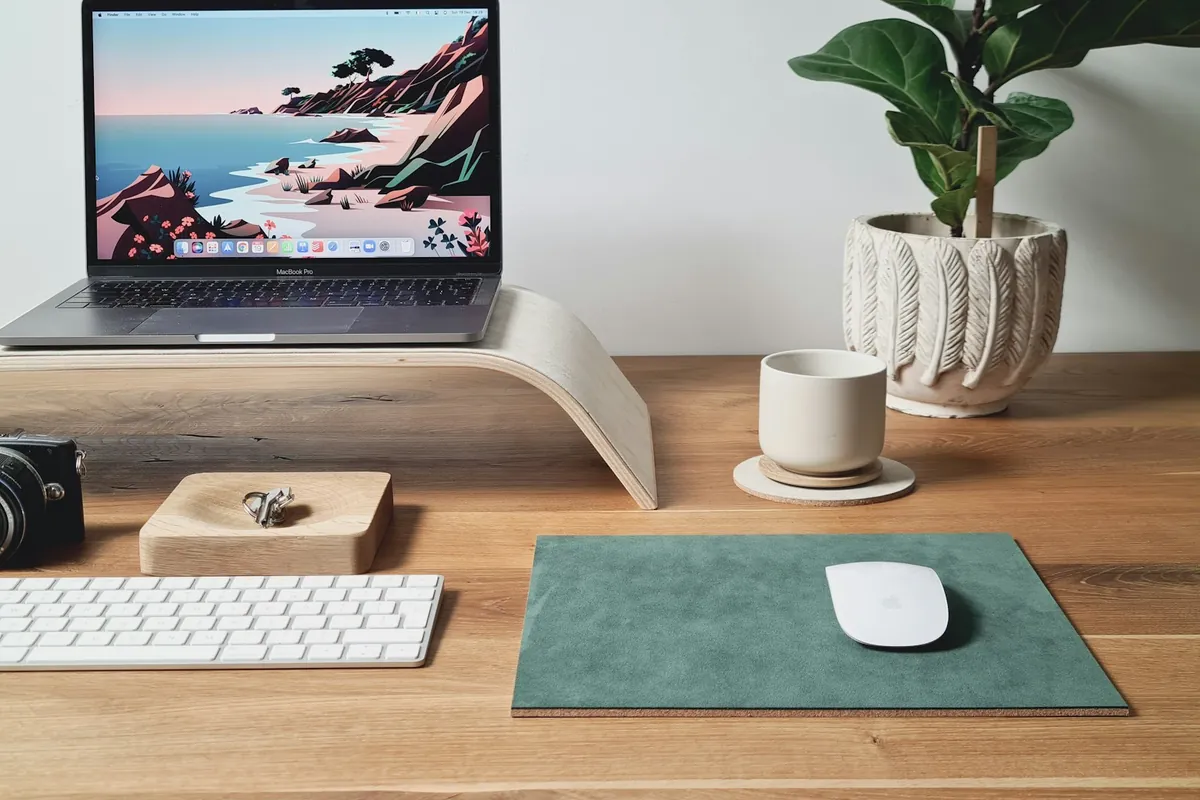
Raise the laptop so you can see the screen without bending your neck. A stable stand or monitor pedestal does the job. Then use a separate keyboard and mouse at a comfortable height on the desk, or on a keyboard tray if you have one.
If you use the laptop at a desk every day, a docking station or a single hub can connect the keyboard, mouse, monitor and charger with one cable, so the laptop becomes a desktop when it is plugged in and a laptop again when you leave.
What to budget for
When you compare laptops, include the accessories in your total. A stand, a keyboard and a mouse are modest costs compared with the laptop itself, and an external monitor can be a bigger but worthwhile one. Check that the laptop's ports can drive the monitor and accessories you plan to use.
- A stable stand that lifts the screen to eye level.
- A separate keyboard and mouse.
- A hub or dock that suits the laptop's ports.
- An external monitor, if you need more screen space.
- Enough desk depth to keep the screen at a comfortable distance.
Check it in your real space
Sit at your usual desk and chair before you finalise anything. Notice where your shoulders, wrists and eyes are after twenty minutes of real work. Small changes, such as moving the screen a little further away or lowering the keyboard, often make more difference than buying a new gadget.